

Custom app icons are only available on macOS.
Set a Custom Icon
1
Download your preferred app icon from Craft’s icon gallery
2
Open the Applications folder on your Mac
3
Right-click on Craft and select Get Info
4
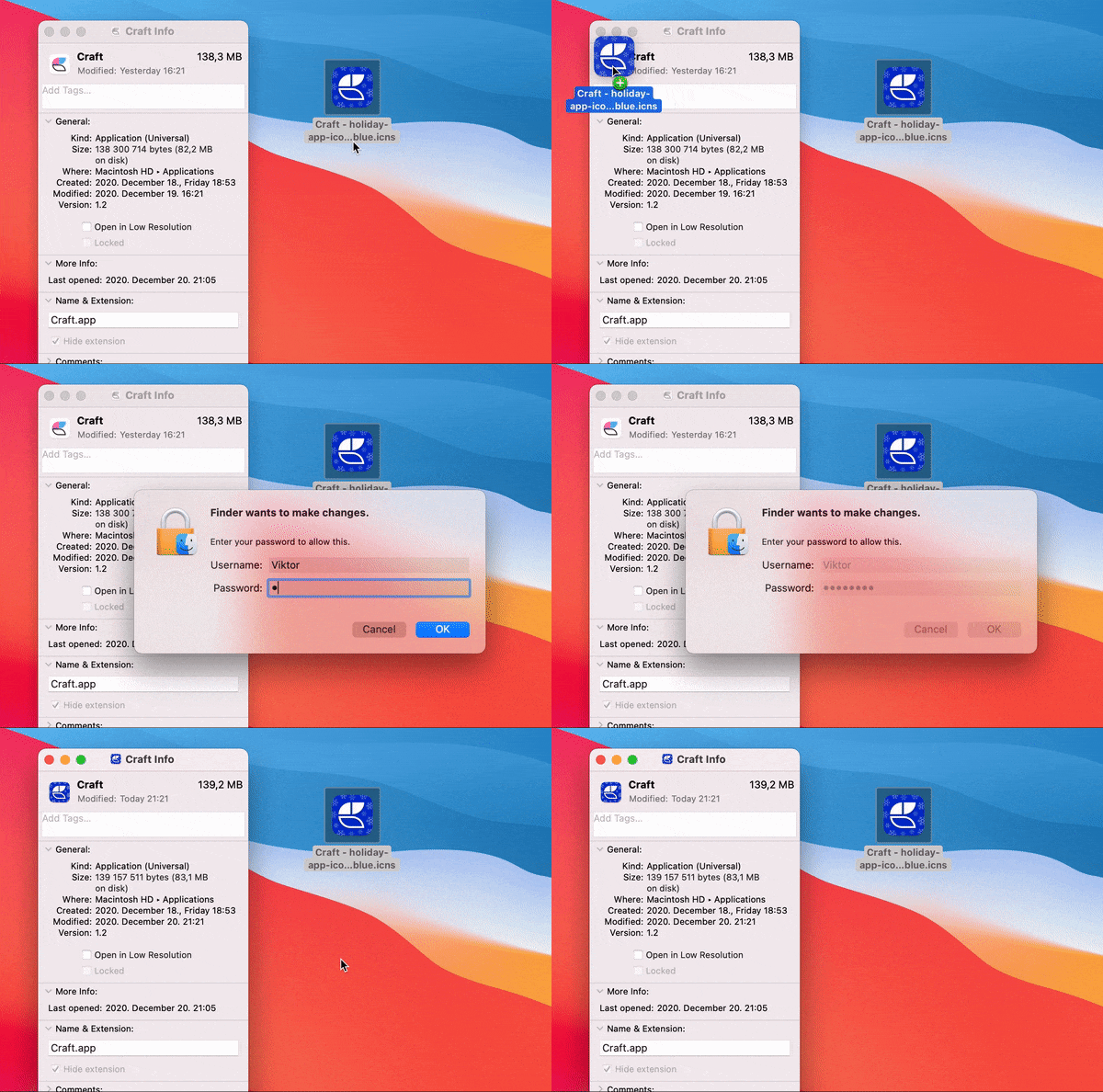
Drag and drop the
.icns file to the small Craft logo in the top-left corner5
Restart the Craft app
Delete a Custom Icon
To reset your icon back to the default:1
Go to the Applications folder on your Mac
2
Right-click on Craft and select Get Info
3
Click the app icon in the top-left corner
4
Press Delete on your keyboard