

Where Your Profile Photo Appears
Your profile image is shown in:- Shared documents
- Comments
- Space or team settings
Change Your Profile Photo
- Mac
- Web / Windows
- iOS
- Android
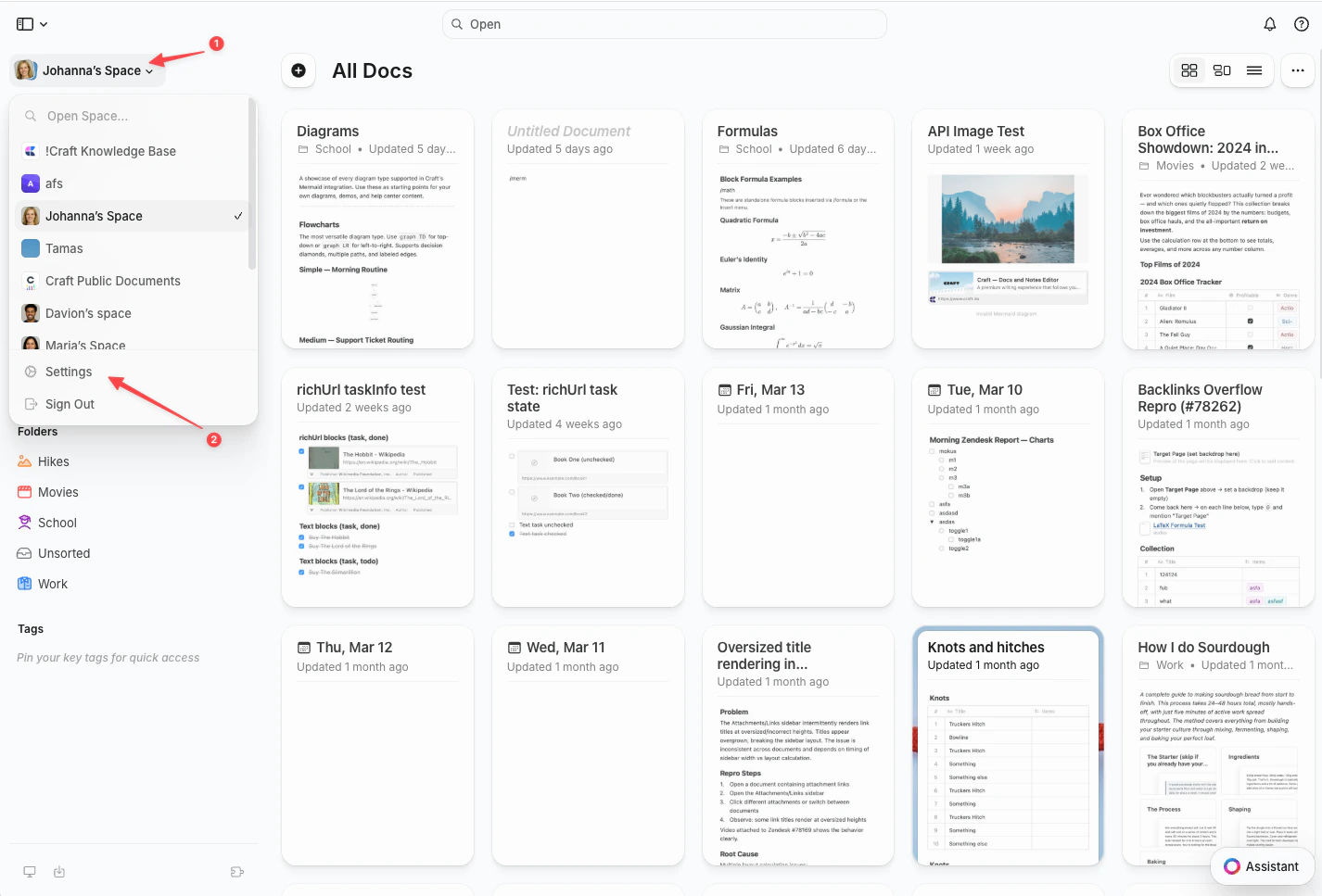
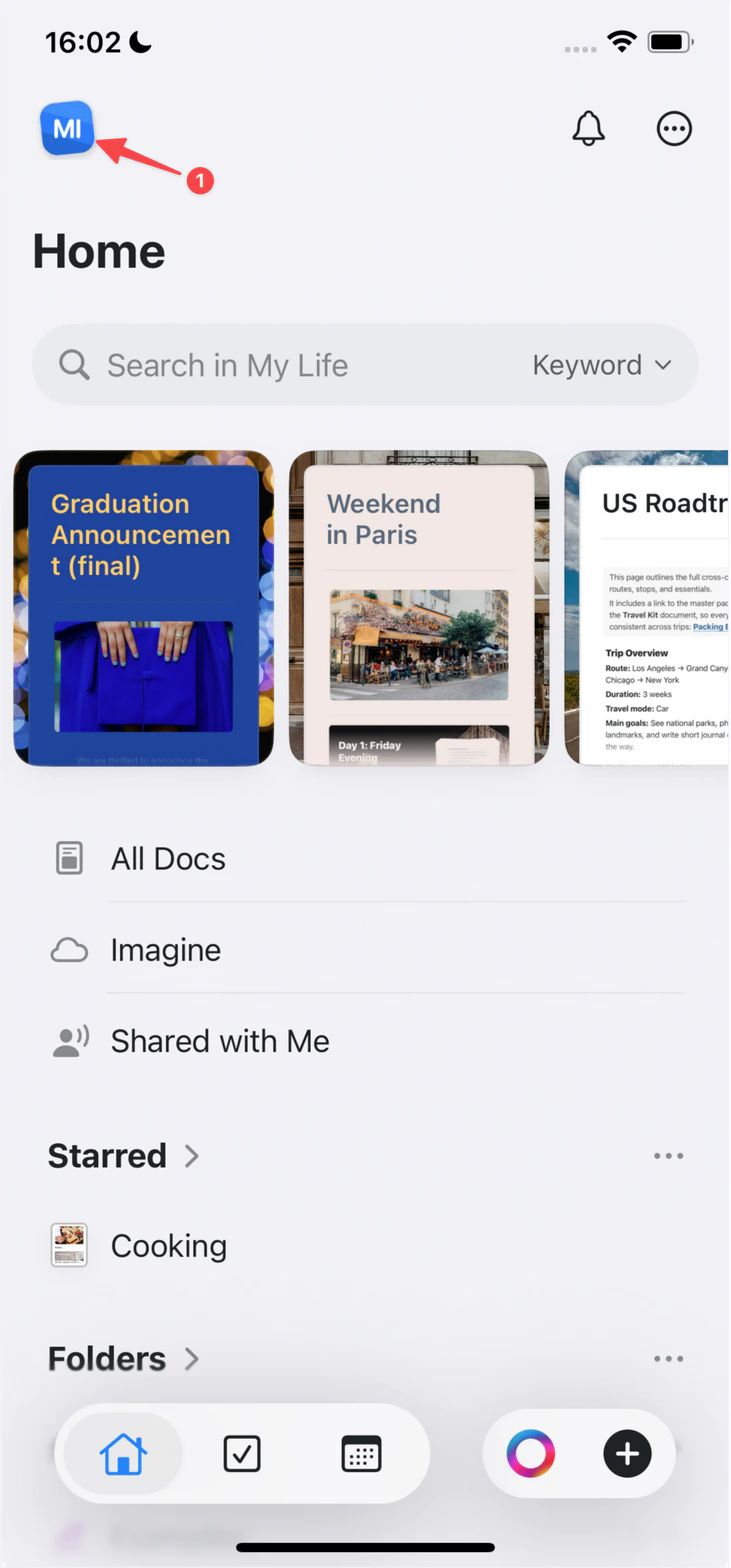
Click the Space name at the top of the sidebar to open Settings.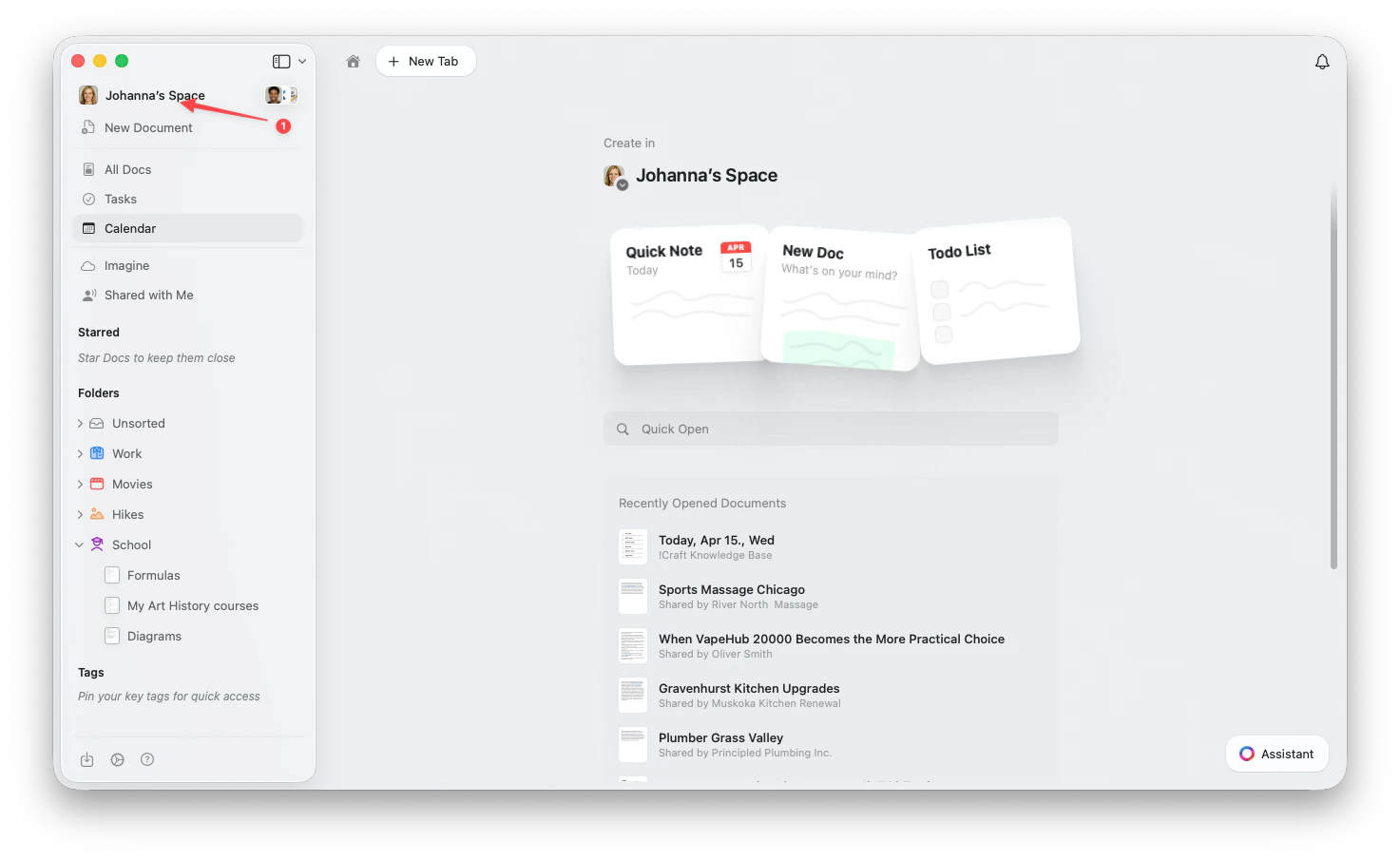
1
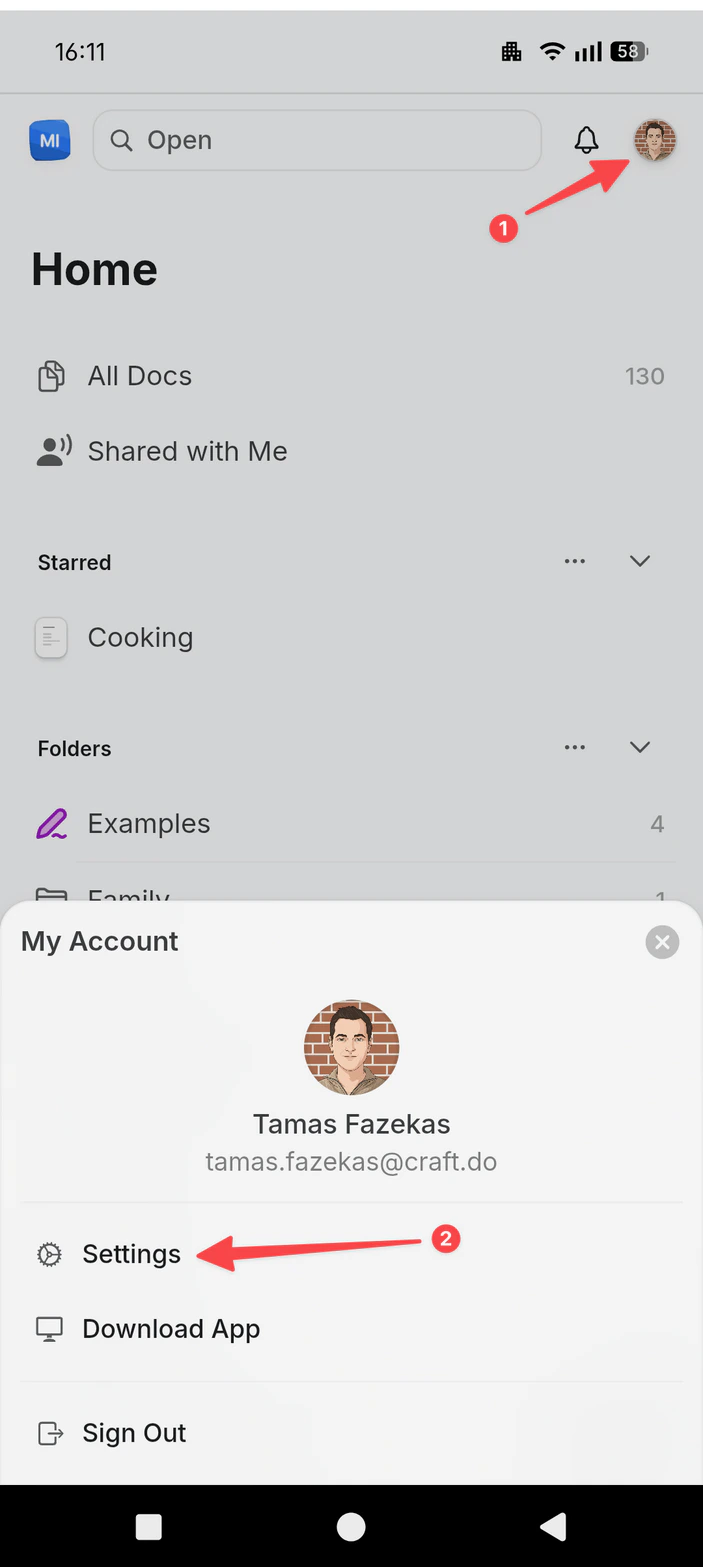
Go to My Account
2
Click or tap your profile image to upload a new photo
3
Select an image from your device (JPG, JPEG, or PNG)
Your profile picture is linked to your Craft account, not to individual spaces. If you don’t see the update right away, try restarting the app.