

Global Spell Check Settings
To set the default spell check language, go to Settings > Language & Spelling, then select your preferred language under Spelling.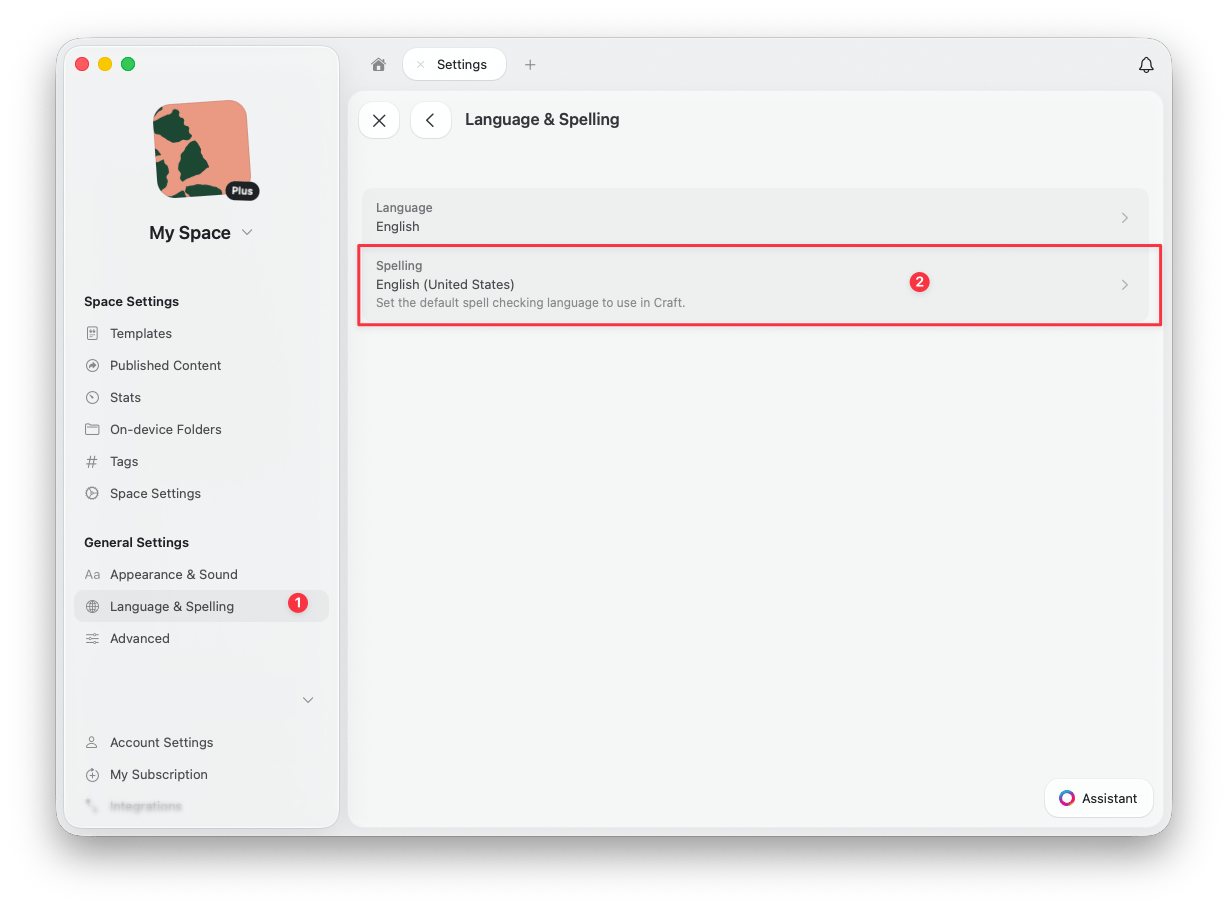
Document-Level Spell Check
To change the spell check language for a specific document, open the Info tab in the right sidebar. Under Spelling, select the language you want to use for that document.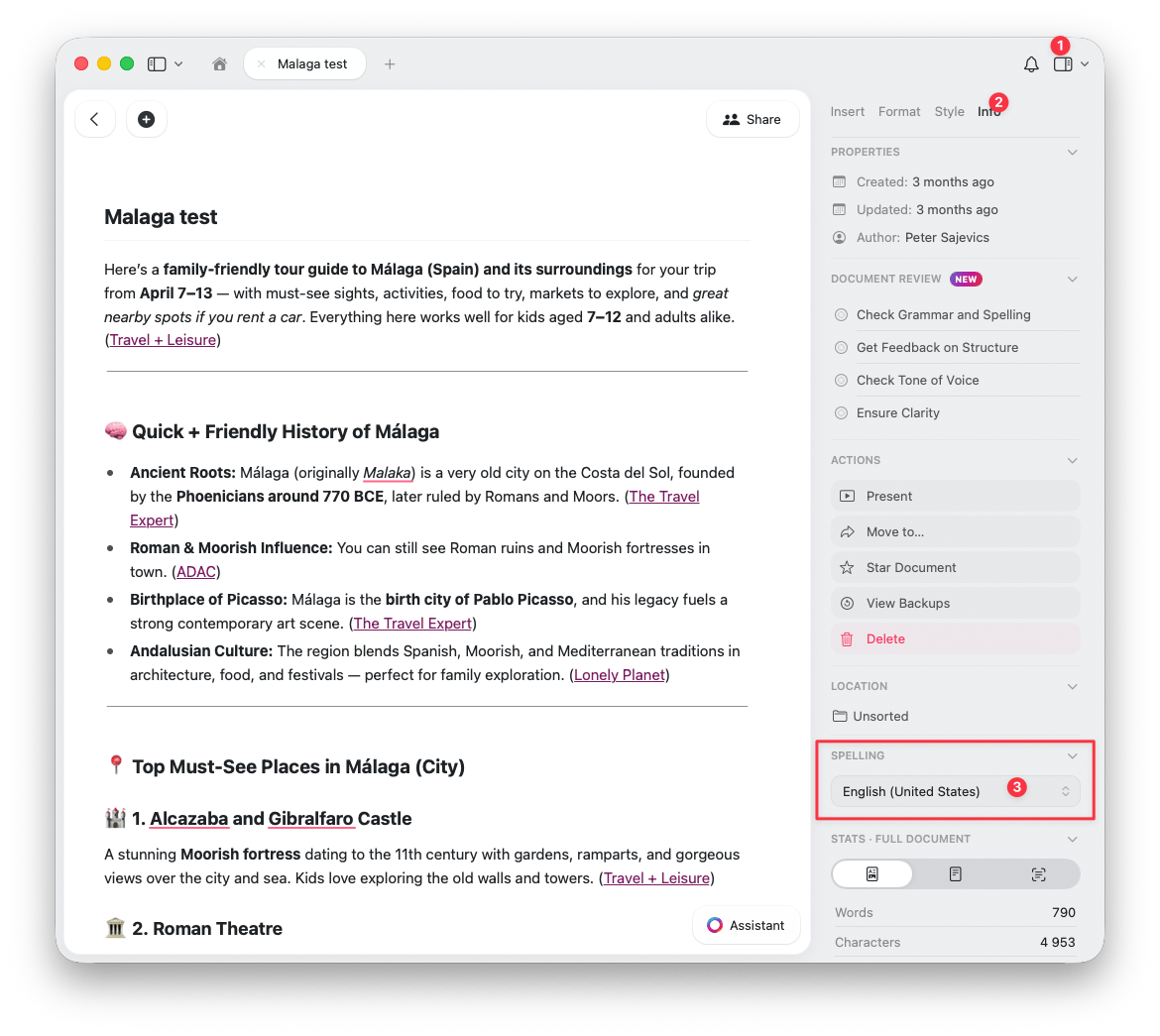
The document-level setting is perfect when you need to write in different languages across your workspace.
Managing Learned Words
Craft delegates spell checking to the operating system — it does not maintain its own spelling dictionary. Learned words are stored and managed at the system level, not inside Craft.
Learning a Word
Right-click (or long-press on mobile) the underlined word and select Learn Spelling. The word is added to the system dictionary shared across all apps.Unlearning a Word
If you accidentally learned a misspelled word, you can remove it.- macOS
- iOS
Open Terminal and run:This opens the file in TextEdit. Remove the unwanted word (one word per line), save, and restart Craft.