

What Works Offline
- Mac / iPhone / iPad
- Web / Windows / Android
All documents in your spaces are stored on your device. Offline, you can open and edit any of them, create documents and folders, search, and add comments and images. Everything syncs when you reconnect.Images and files you haven’t viewed yet aren’t stored on your device. To keep all images and files of a folder available offline, use On-device Folders.Needs an internet connection
- Sharing and publishing
- AI Assistant and Connections
- Notifications
- Version history
- Whiteboards (Mac)
- Opening a shared document for the first time
Syncing When You Reconnect
- Mac, iPhone, and iPad: All changes sync in the background.
- Web, Windows, and Android: Open documents sync right away. Documents you edited offline and closed sync the next time you open them. Unsynced changes stay saved if you close Craft.
Troubleshooting
A document won't open offline
A document won't open offline
- Mac, iPhone, iPad: If it’s a shared document you’ve never opened, open it once while online.
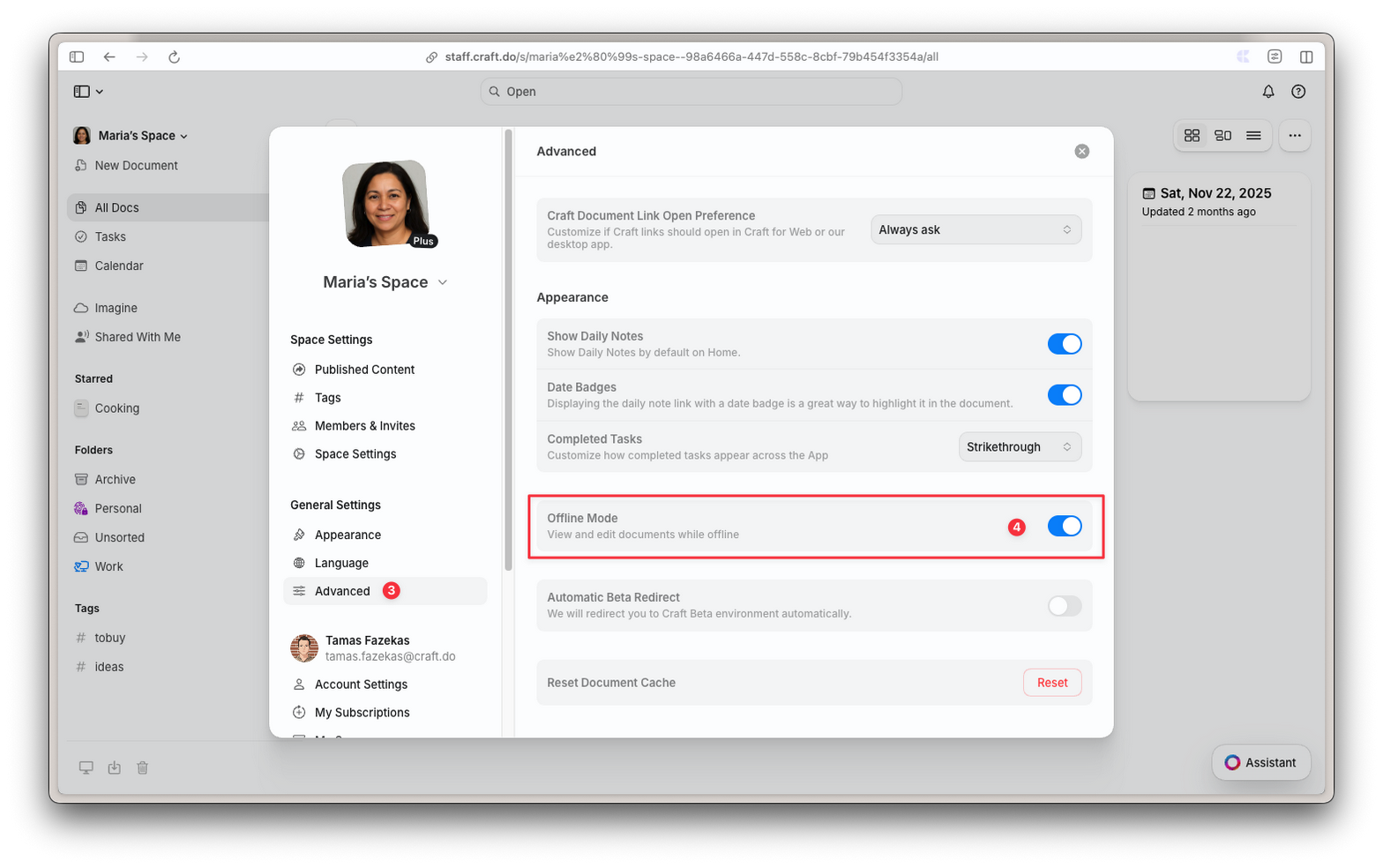
- Web, Windows, Android: Open the document once while online, and check that Offline Mode is on in Settings → Advanced.
Changes aren't syncing
Changes aren't syncing
- Mac, iPhone, iPad: Open Settings → Diagnostics and select Sync Now. See Troubleshooting if sync shows as offline.
- Web, Windows, Android: Open the documents you edited offline. Closed documents only sync when you open them.