

Before you start
Most tools ask for an MCP URL. Use one of these:- A whole space: use
https://mcp.craft.do/my/mcp. When you connect, you sign in to Craft, choose a space, and select Approve. - Specific content: create an MCP connection in the Connections tab and copy its URL. If the connection has a password, you enter it when you sign in.
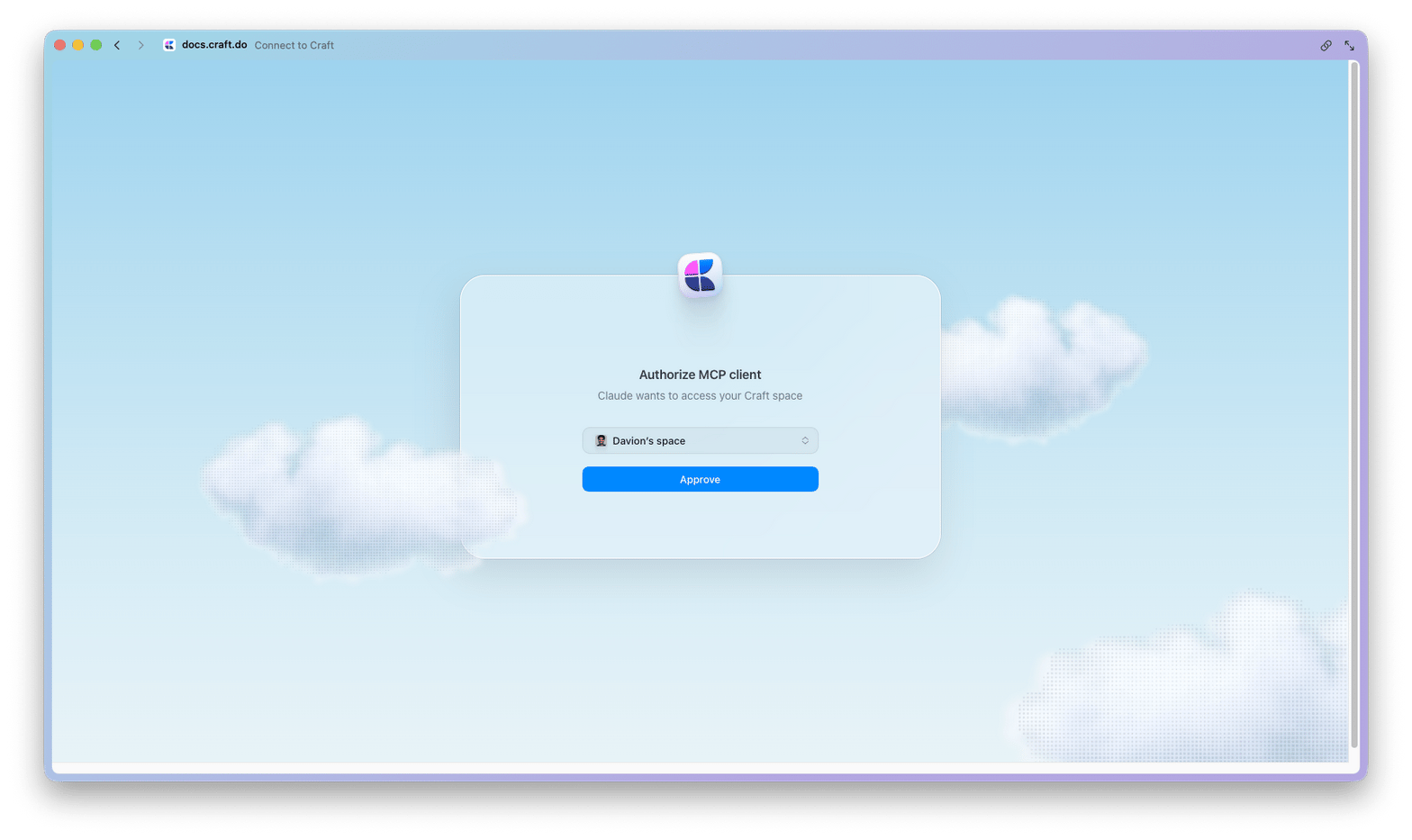
The MCP URL isn’t a web page, so opening it in a browser shows an error. Paste it into your AI tool.
ChatGPT
Use the Craft plugin. You don’t need an MCP URL.1
Open the Craft plugin page in ChatGPT, or search for Craft under Plugins.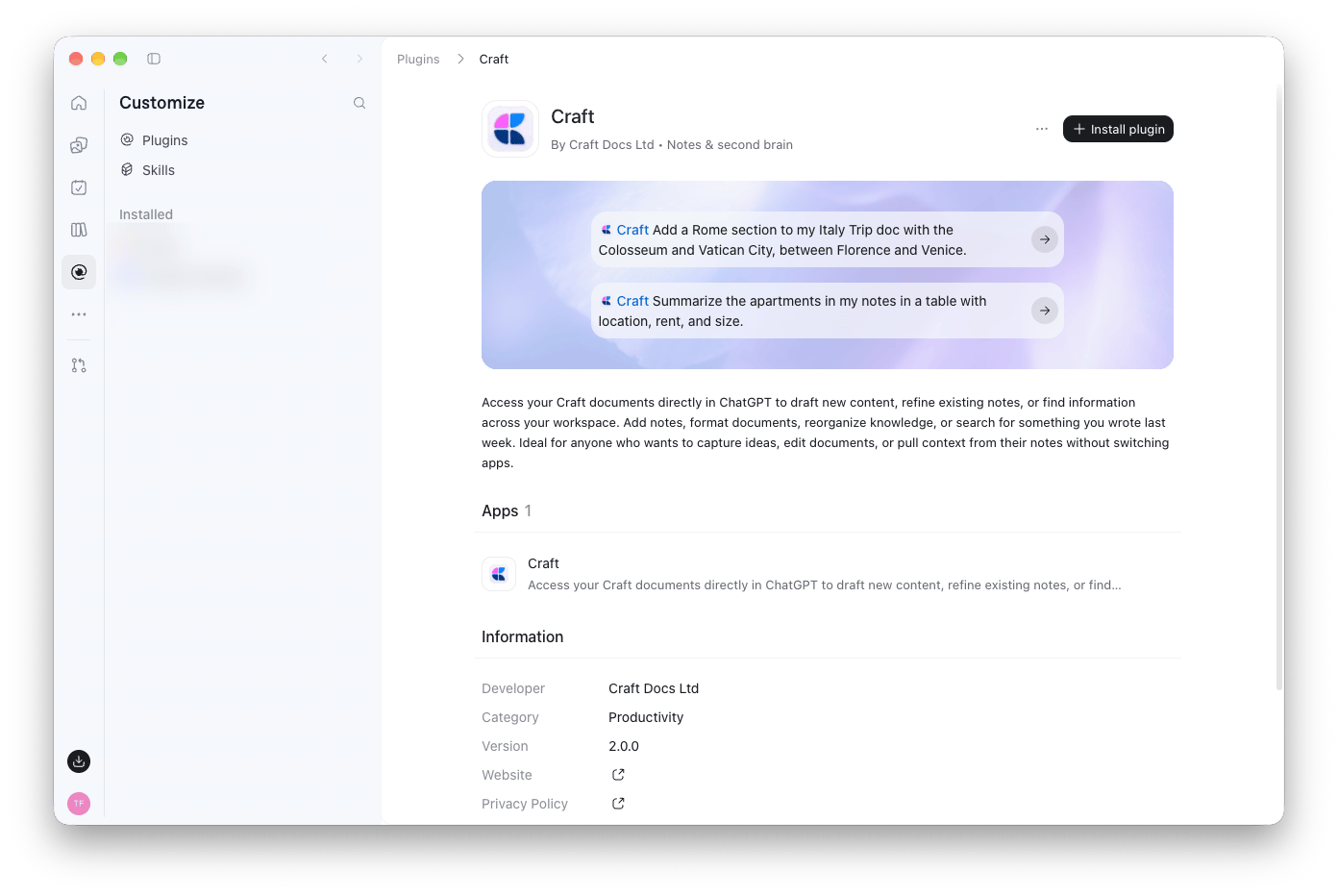
2
Select Install plugin, then Connect Craft.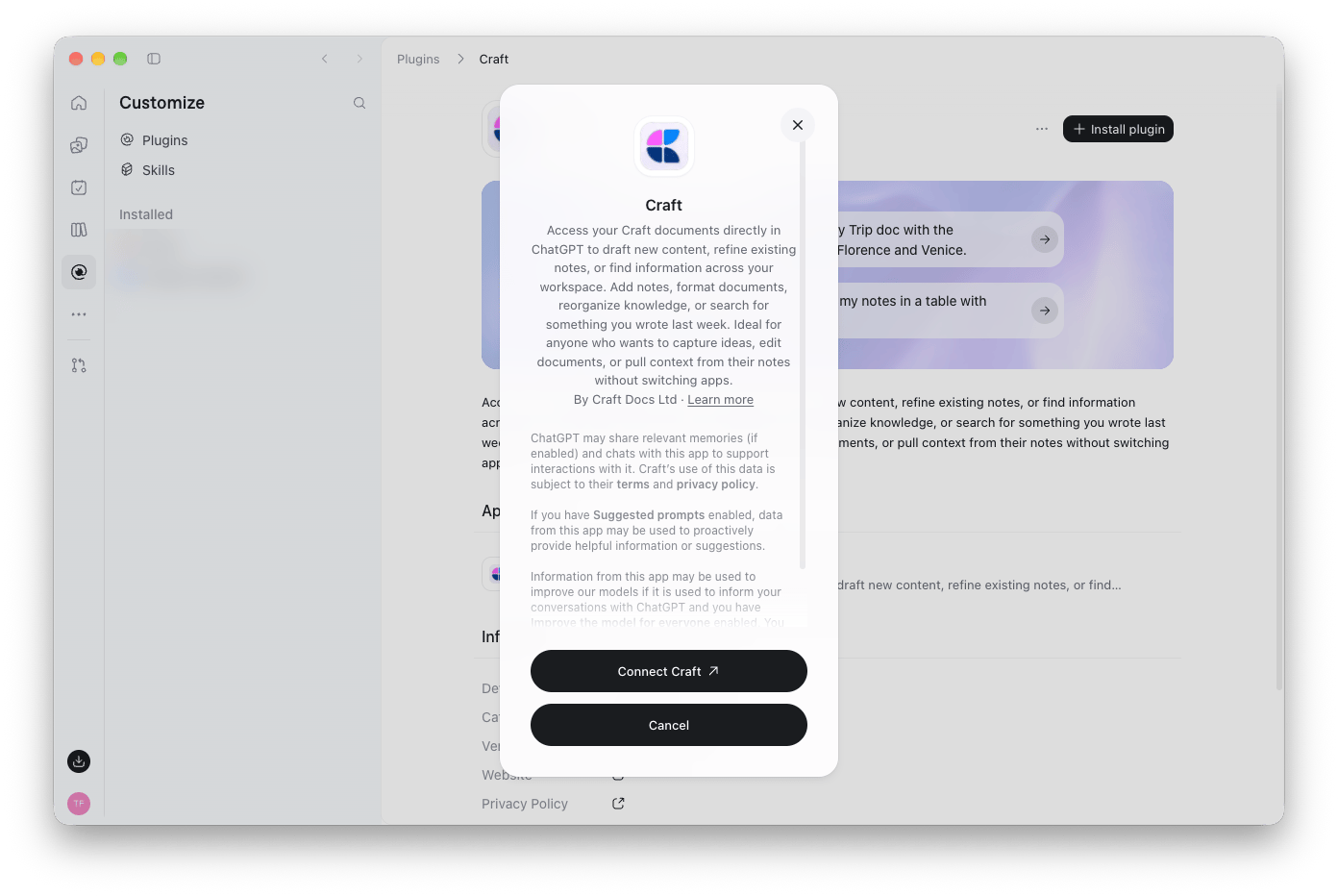
3
Sign in to Craft, choose a space, and select Approve.
4
In a chat, type
@ and select Craft, or select + and choose it.Claude
Use the Craft plugin. You don’t need an MCP URL.1
Open the Craft plugin page in Claude, or search for Craft under Plugins in the sidebar.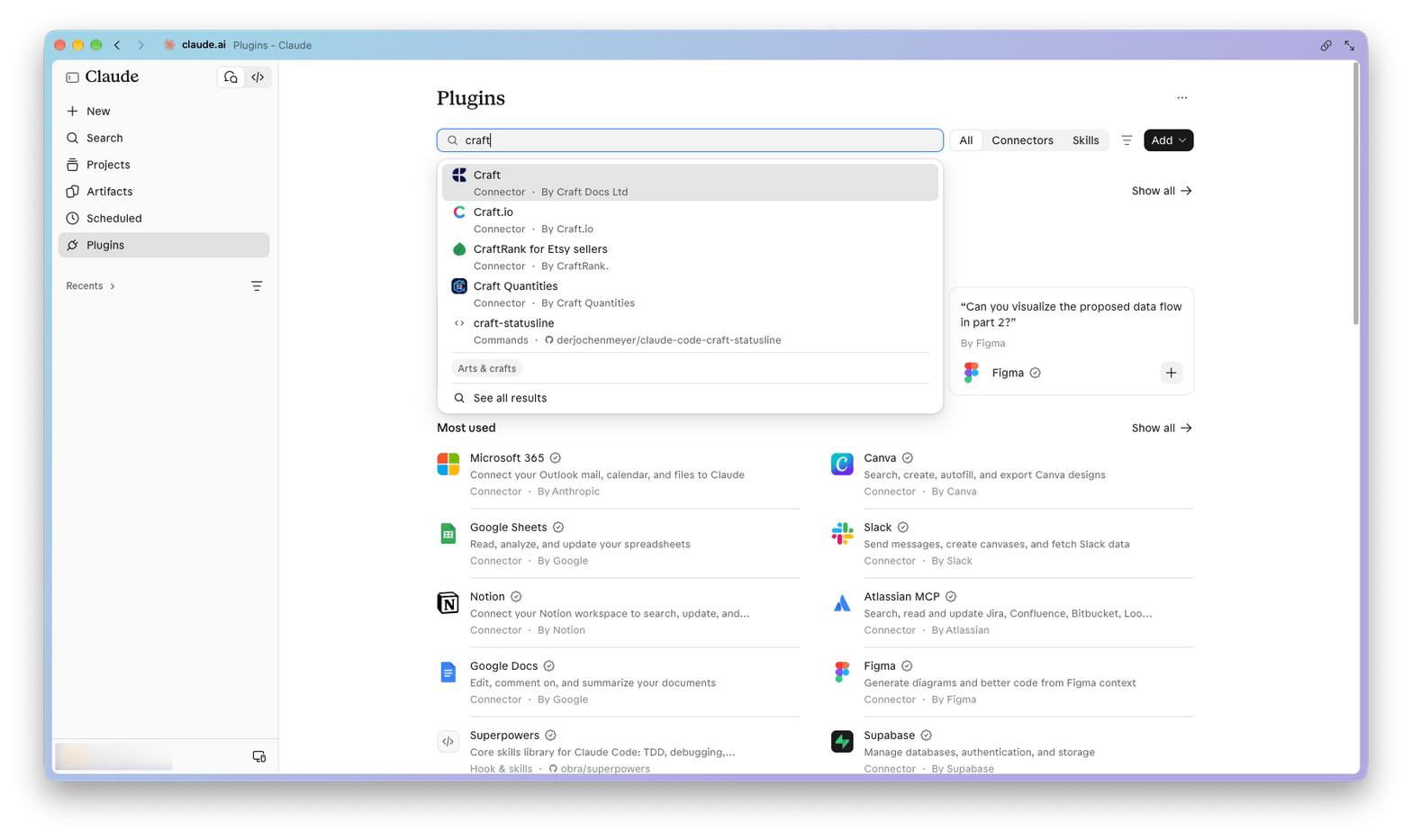
2
Select Connect next to the Craft connector.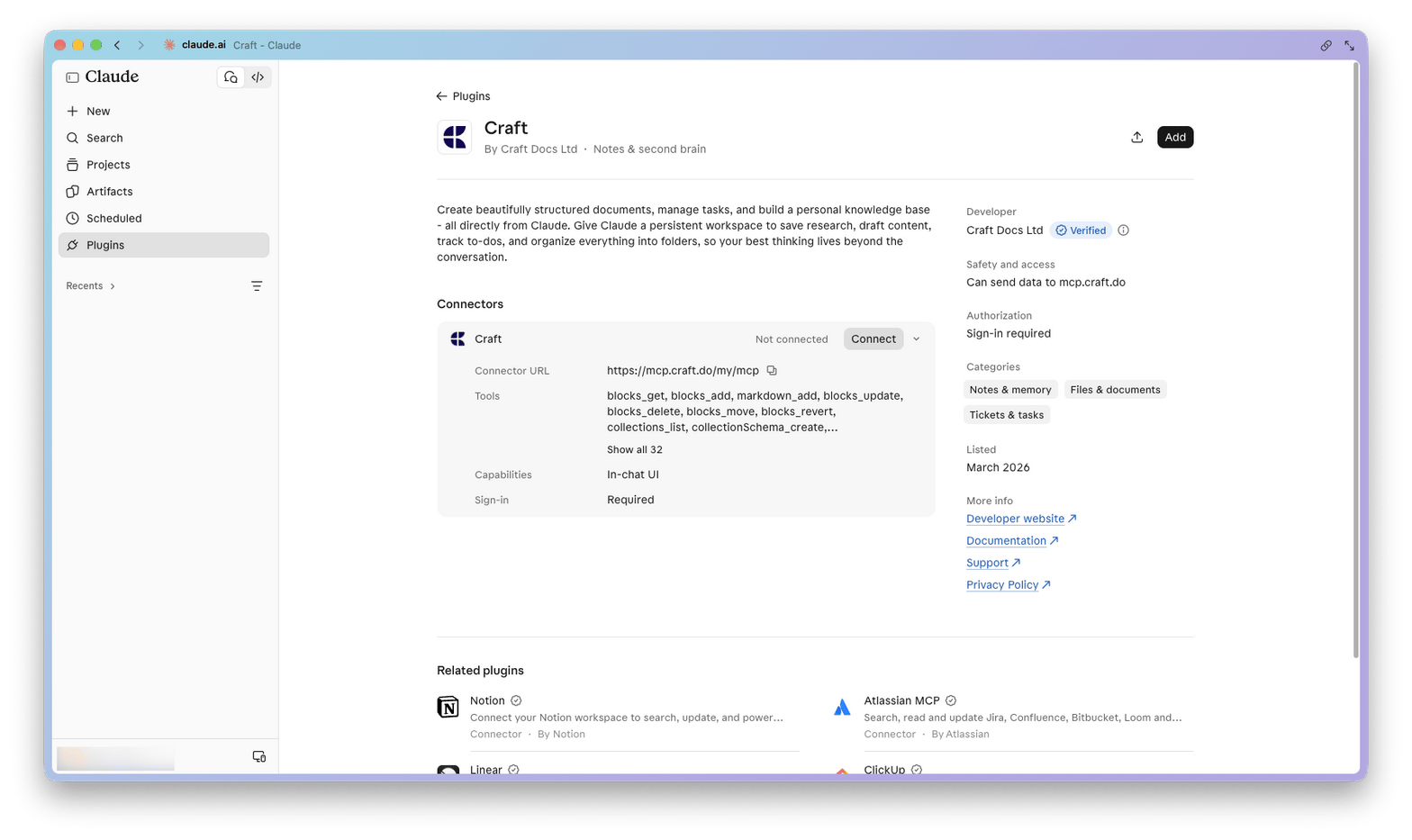
3
Sign in to Craft, choose a space, and select Approve.
4
In a chat, select + and turn on Craft.
Claude Code
1
Run this in your terminal:To use Craft in all your projects, add
--scope user.2
In Claude Code, run
/mcp and follow the steps to sign in to Craft in your browser.Codex
The ChatGPT desktop app (Codex), the Codex CLI, and the Codex IDE extension share the same settings, so you only need to add Craft once.- Desktop app
- CLI
1
Open Settings > MCP servers and select Add server.
2
Enter
craft as the name, choose Streamable HTTP, paste your MCP URL, and save.3
Select Restart, then select Authenticate to sign in to Craft.
Cursor
1
Add Craft to
~/.cursor/mcp.json to use it in every project, or to .cursor/mcp.json in a single project:2
Open Customize in Cursor’s sidebar, make sure Craft is turned on, and sign in to Craft when Cursor asks.
Visual Studio Code
1
Open the Command Palette and run MCP: Add Server.
2
Choose HTTP (HTTP or Server-Sent Events), paste your MCP URL, and enter
craft as the server ID.3
Select Global, then Copilot Global.
4
Sign in to Craft when prompted. You can also select Authenticate in the server’s actions.
~/.copilot/mcp-config.json:
Antigravity CLI
In Antigravity CLI (formerly Gemini CLI):1
Add Craft to
~/.gemini/config/mcp_config.json to use it in every project, or to .agents/mcp_config.json in a single workspace:2
Sign in to Craft when prompted. To check the connection, type
/mcp to open the MCP Manager.Mistral Vibe
In Vibe (formerly Le Chat):1
Open Context > Connectors in the sidebar, select New connector, and add a custom connector.
2
Paste your MCP URL in Server, enter 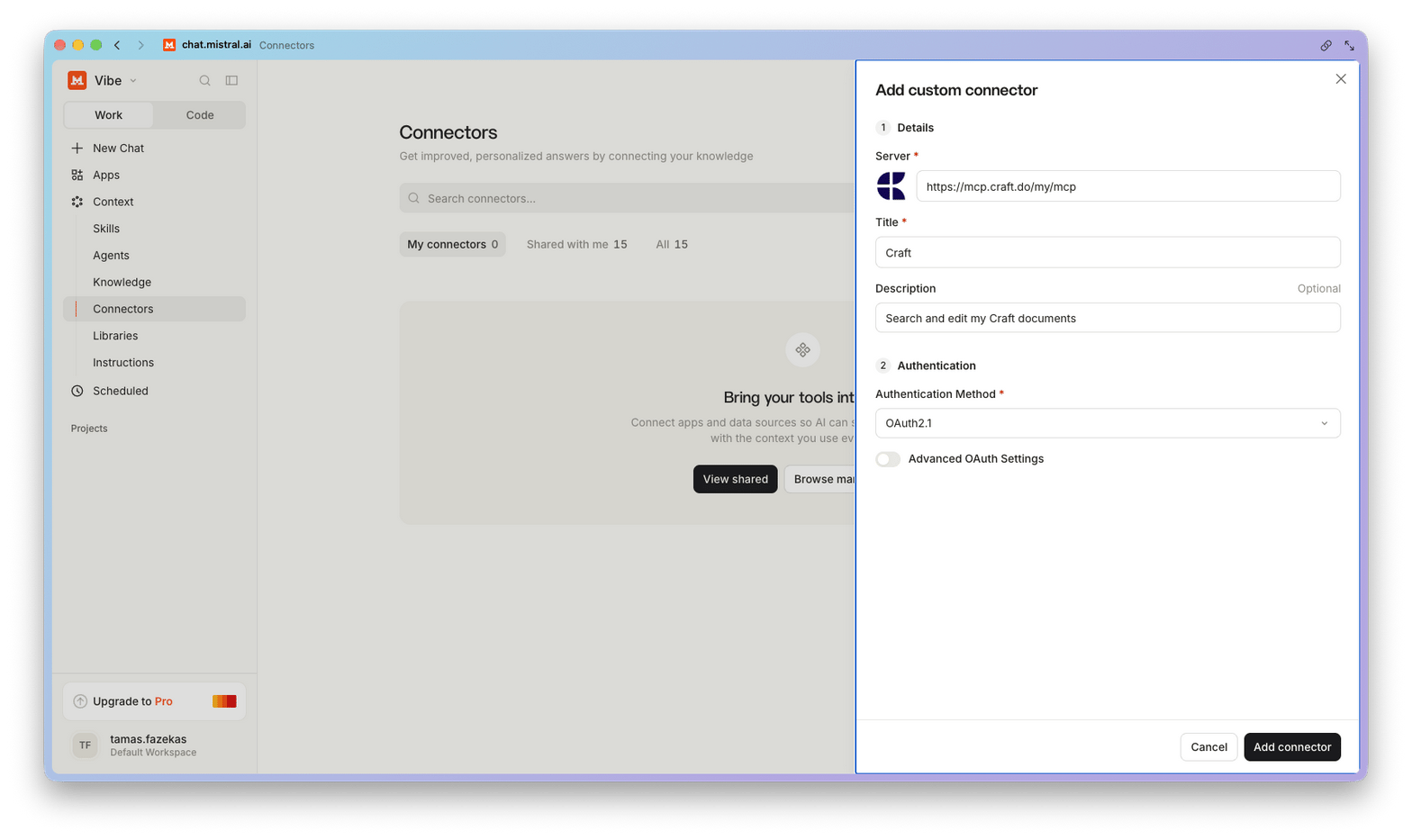
Craft as the Title, and select Add connector.3
Sign in to Craft if prompted.
4
In a chat, select + > Tools and turn on Craft.
Zapier
Use the MCP Client by Zapier app to run Craft’s tools in a Zap.1
In Zapier, add a connection for MCP Client.
2
Paste your MCP URL as the Server URL and choose Streamable HTTP as the transport. Turn on OAuth for the whole-space URL or a password-protected connection, and sign in to Craft.
3
In your Zap, add the Run tool action from MCP Client.
Raycast
MCP in Raycast requires Raycast Pro.1
Open the Install MCP Server command.
2
Enter 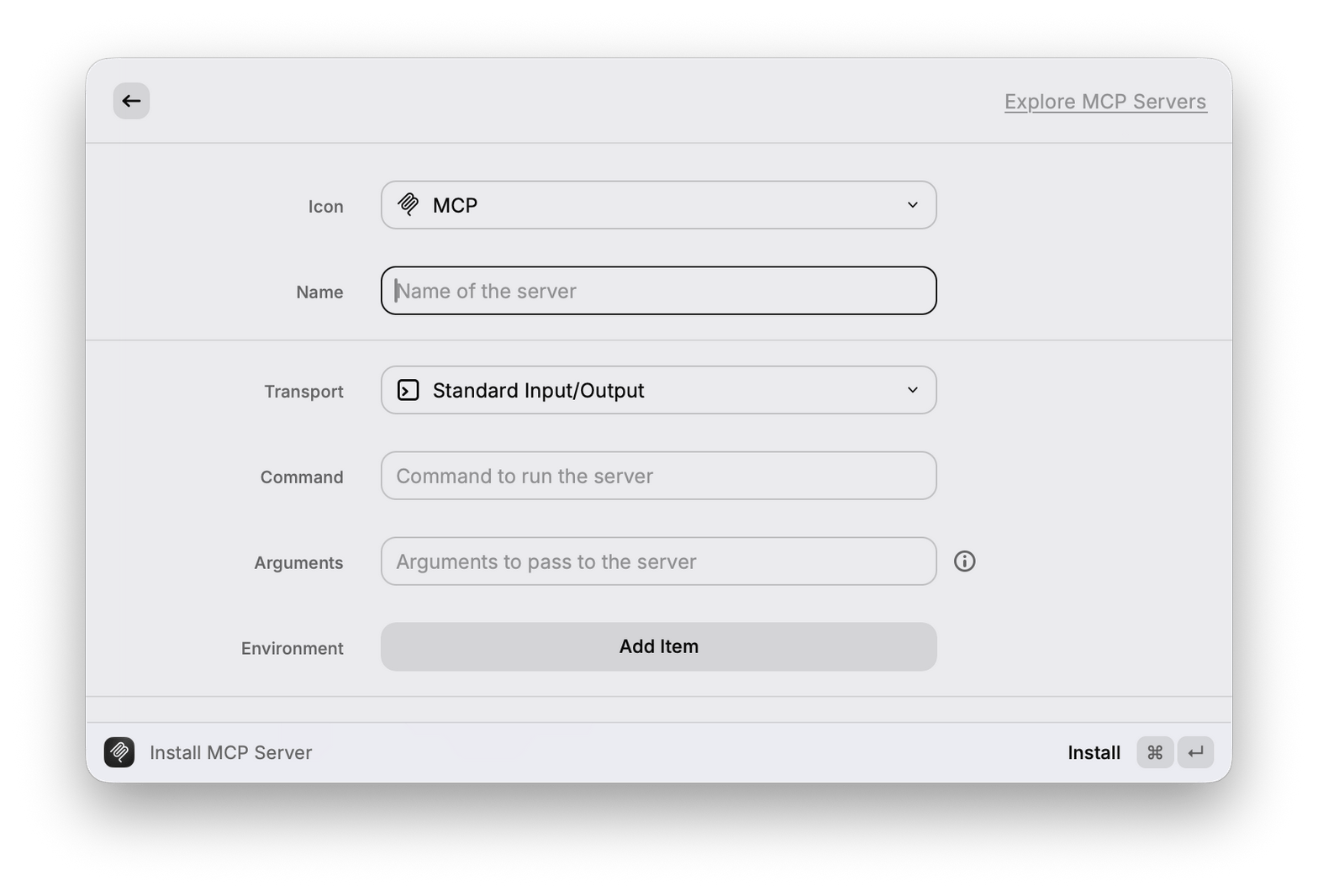
Craft as the name, choose HTTP as the transport, and paste your MCP URL. For the whole-space URL or a password-protected connection, set OAuth Type to Dynamic.3
Press Install, then select Sign In to sign in to Craft.
4
In AI Chat or Quick AI, type
@Craft before your question.Devin Desktop
In Devin Desktop (formerly Windsurf):1
Open Customize > MCPs. Under This computer, open the configuration file (
~/.config/devin/mcp_config.json).2
Add Craft and save the file:
3
Refresh the list and sign in to Craft when prompted.
Craft Agents
1
In a Craft Agents chat, ask the agent to add Craft as a source, for example: “Add Craft as a source using https://mcp.craft.do/my/mcp”.
2
Sign in to Craft in the browser window that opens, choose a space, and select Approve.
Other MCP clients
Any client that supports remote MCP servers over HTTP can connect to Craft, including Antigravity, Manus, OpenClaw, and OpenCode. Add a remote MCP server in the client and paste your MCP URL. If the client asks for an OAuth client ID or client secret, leave both empty. Craft registers the client automatically when you sign in.MCP
Connection types, permissions, and troubleshooting
MCP Security
Access controls for MCP connections