

Before you start
1
In the Connections tab, add an API connection and choose what it includes.
2
Copy its API URL, or select Download AI Bundle to get a Markdown file that describes the API and your content for AI tools.
3
If the connection’s Access Mode is API Key, create a key under API Keys and copy it. The key is shown only once. Tools send it in the
Authorization header as Bearer YOUR_API_KEY.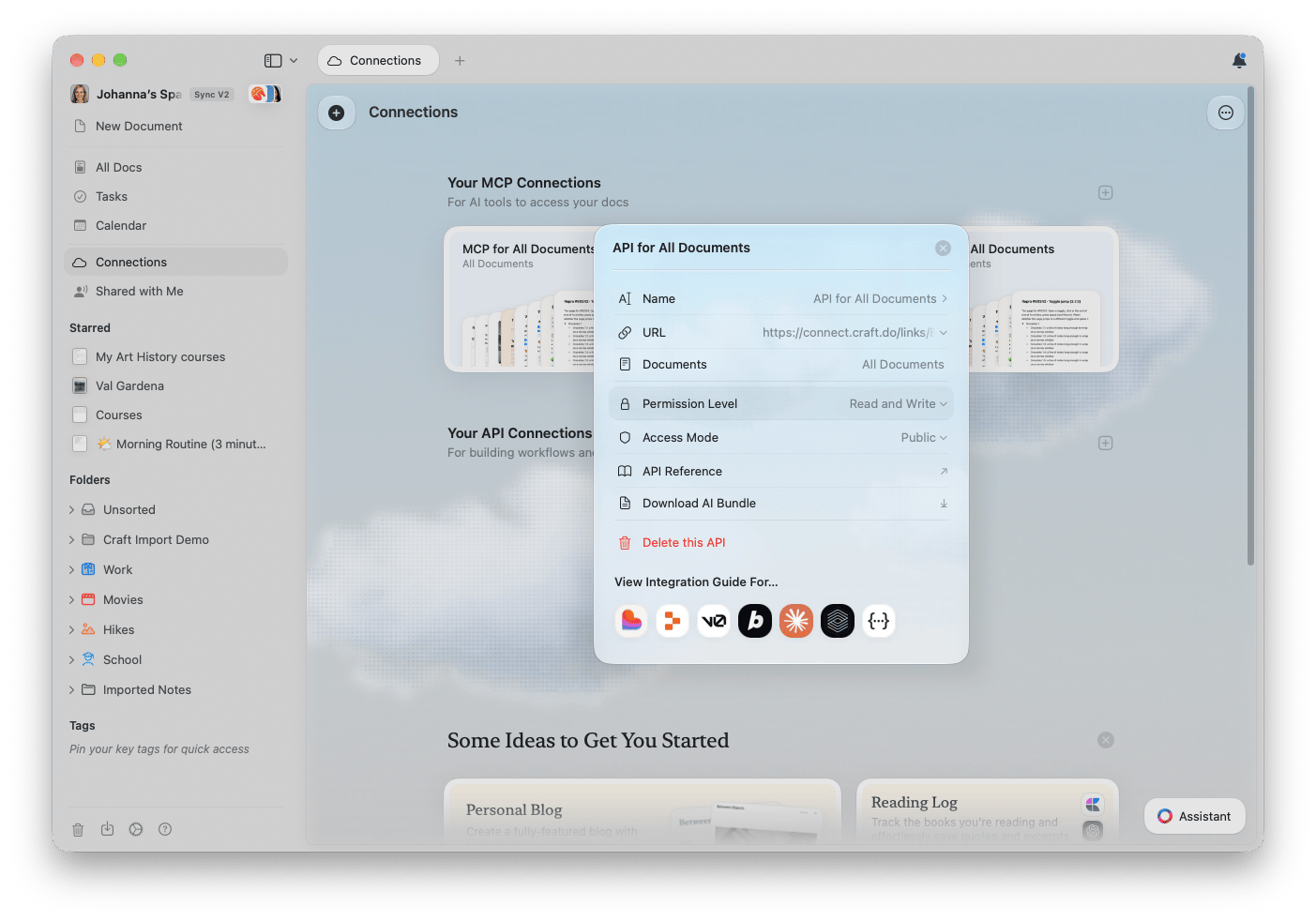
AI app builders
Lovable, Replit, Bolt, v0, and Base44 work the same way.1
Start a new project and attach the AI Bundle file to your first message.
2
Describe what you want to build, for example a reading log based on your Craft documents.
Claude Code and Codex CLI
1
Put the AI Bundle file in your project folder.
2
Start the agent in that folder and ask it to read the file first.
Shortcuts
Craft has its own Shortcuts actions. For anything they don’t cover, such as adding items to a collection, use the Get Contents of URL action with your API URL and an endpoint listed under API Reference in the connection.Zapier
Add a Webhooks by Zapier action with Custom Request. Webhooks by Zapier requires a paid Zapier plan.n8n
Add an HTTP Request node. For an API key, use Bearer Auth as the authentication.Craft Agents
In a Craft Agents chat, ask the agent to add your Craft API connection as a source and paste its API URL. If the connection uses an API key, Craft Agents asks for it.Other tools
Any tool that can send HTTP requests can use the Craft API.Craft API
How API connections work
MCP setup guides
Connect AI tools to Craft through MCP